
Localization starts before translation
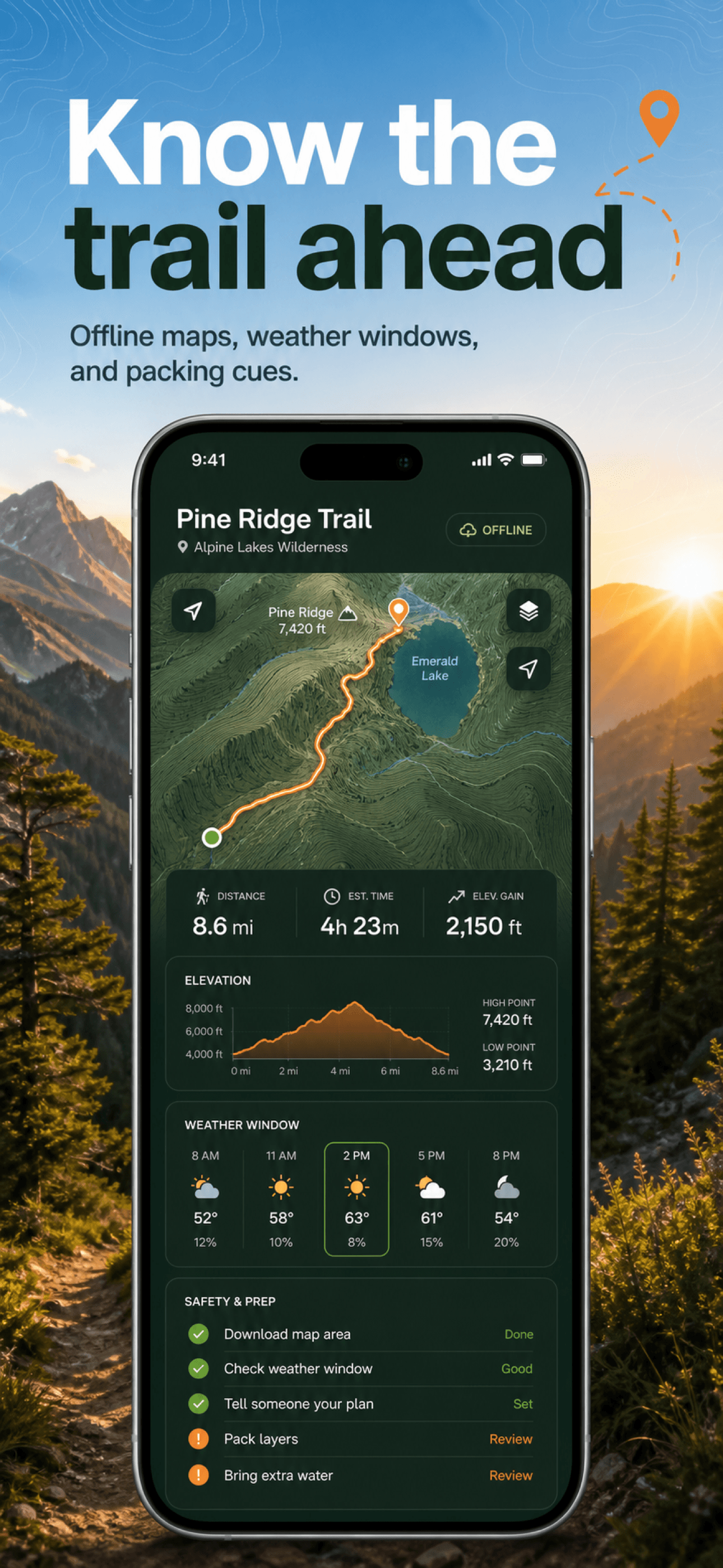
A localized screenshot must preserve the meaning, hierarchy, and product proof of the source design. Start with concise source copy, flexible text containers, and screenshots that match the target market's app experience. A literal translation is only one part of the work. The App Store screenshot translator page shows how one set travels into each store language.
Define the message that must survive
Write a short intent note for every screen before sending copy to translation. Explain the user benefit, the tone, the product term that must remain consistent, and the interface state that supports the claim. This gives the translator enough context to adapt the message naturally.
- Document the purpose of every screen
- List product terms that must stay consistent
- Provide the visible UI as translation context
- Set a practical headline length target
- Identify locale-specific screenshots or data
- Keep the original source copy versioned
Design for text expansion
Translated copy can be much longer or shorter than English. Use text boxes with room to grow, avoid fixed single-line assumptions, and keep device frames separate from copy layers. Test the longest expected locale early instead of discovering layout problems after every language has been delivered.
Adapt the message when a direct translation becomes unclear
Preserve the benefit, not the English sentence structure. A shorter local phrase that communicates the same outcome is usually better than a complete literal translation squeezed into a smaller font. Review the copy with someone who understands both the language and the product category.
Match the screenshot to the localized app
If the app interface is localized, use captures from the same locale whenever possible. English interface text beneath a translated marketing headline weakens trust. Also review dates, currency, measurements, names, maps, and sample content that may need a market-specific version.
Build a predictable export structure
Organize files by store, locale, device, orientation, and sequence position. Use stable names that do not depend on the translated headline. A predictable structure makes it easier to replace one screen without mixing languages or uploading a phone asset into a tablet slot.
Review every locale in context
Quality assurance should compare the source intent, translated copy, visible product UI, final dimensions, and ordered set. Review the exported image, not only the text document. App Store Connect lets you manage localized app information and screenshot sets for the markets you publish.
- Natural copy for the target market
- No clipped text or forced tiny type
- Correct right-to-left behavior where needed
- Localized UI, dates, currency, and sample data
- Correct device and pixel dimensions
- Stable order and naming across every locale