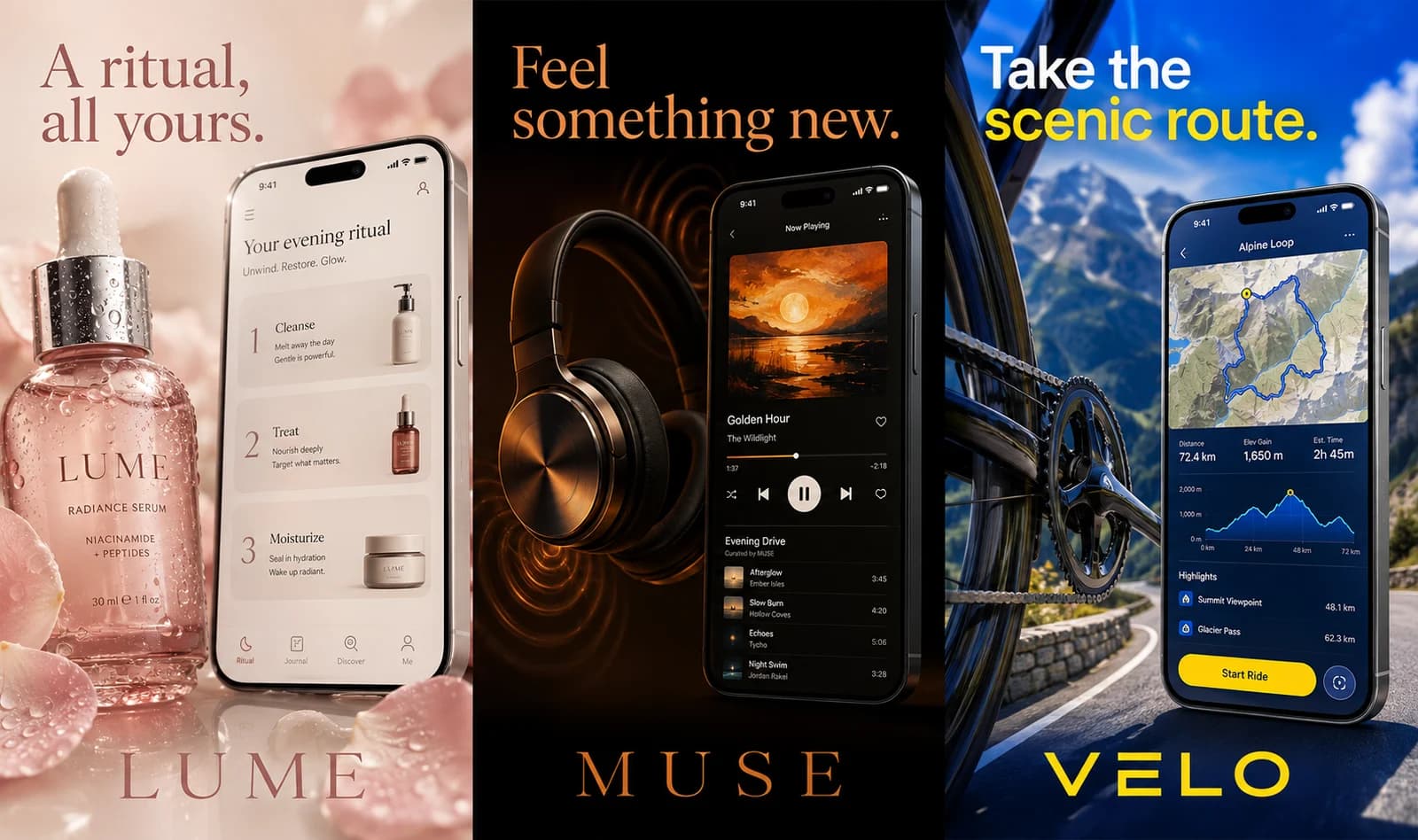
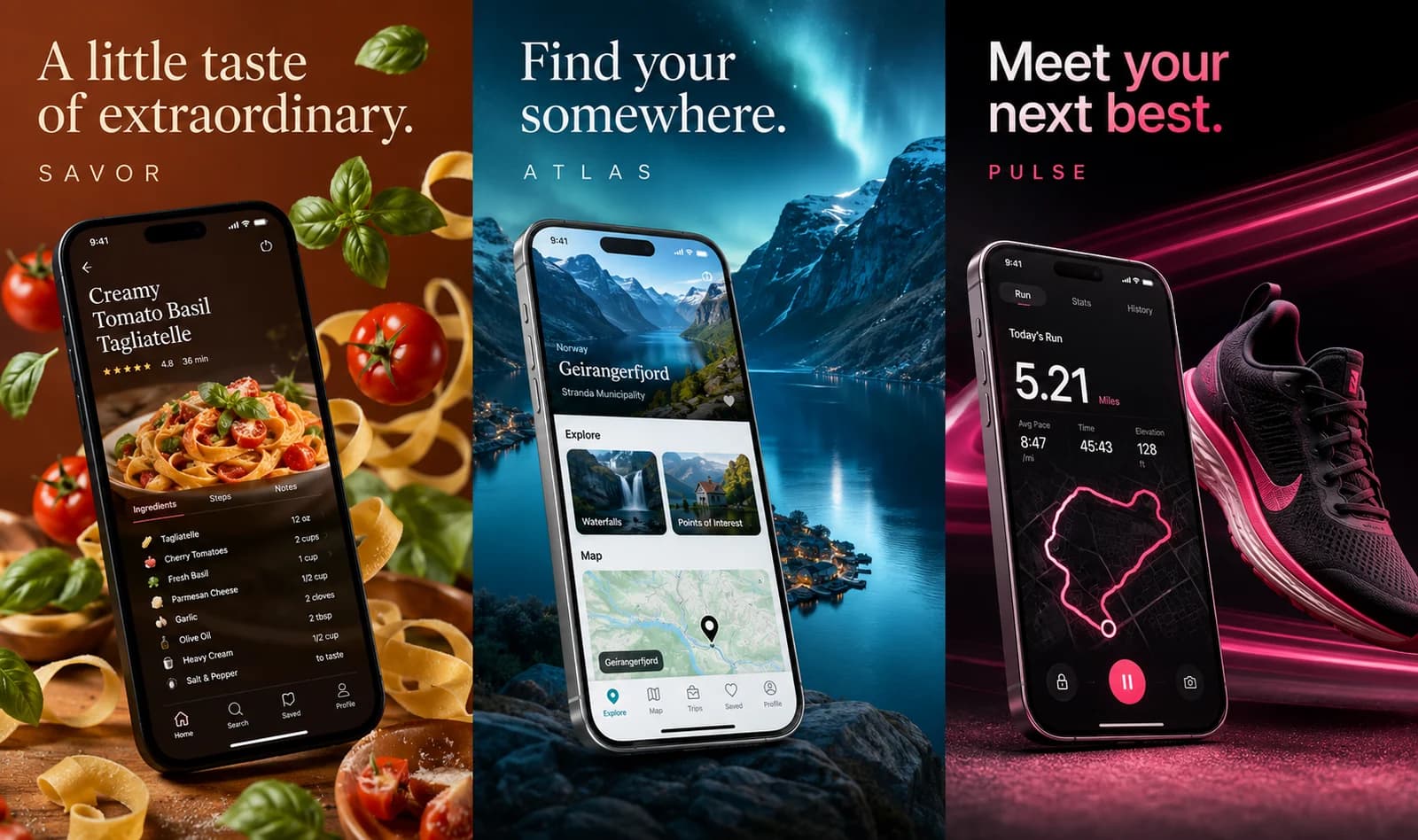
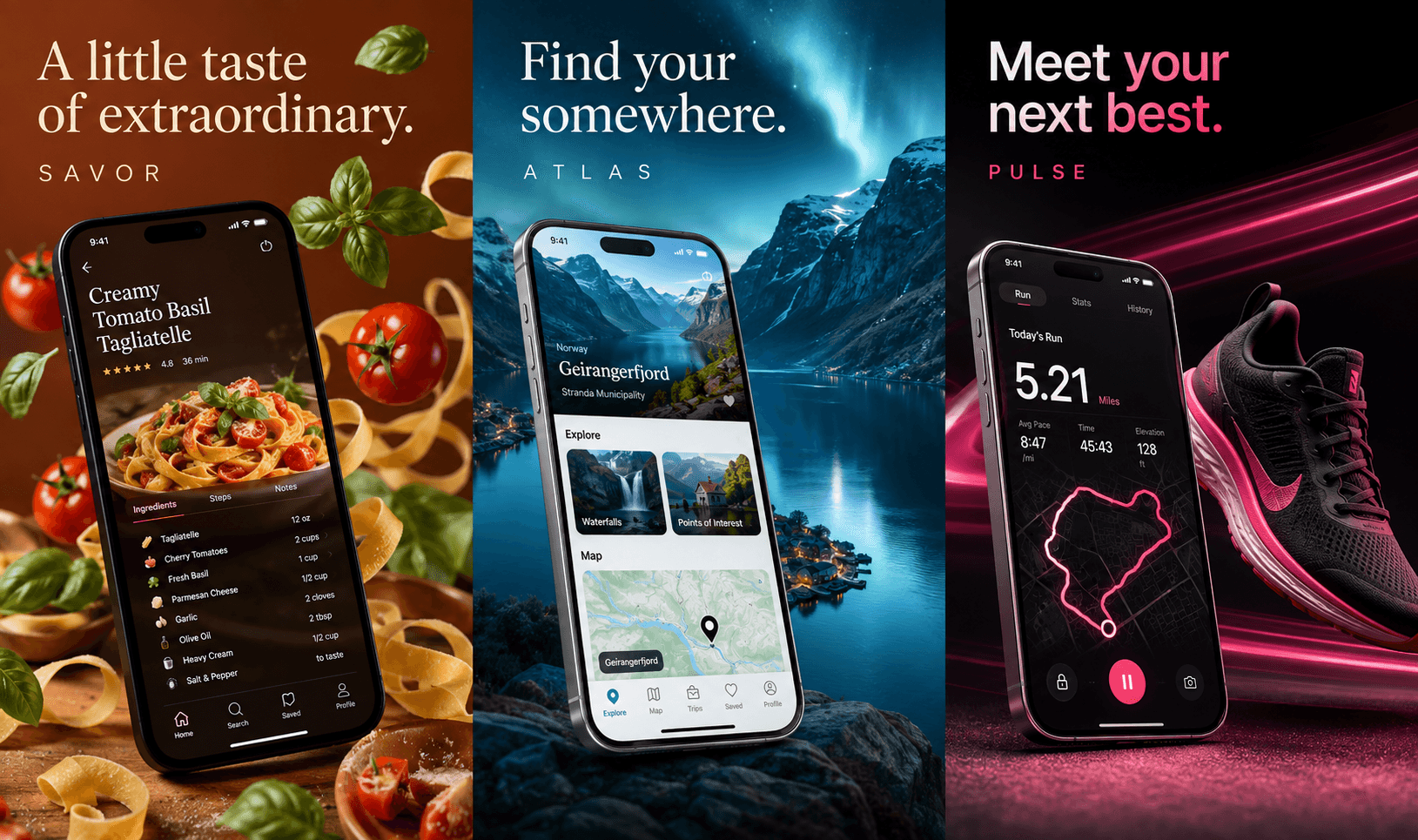
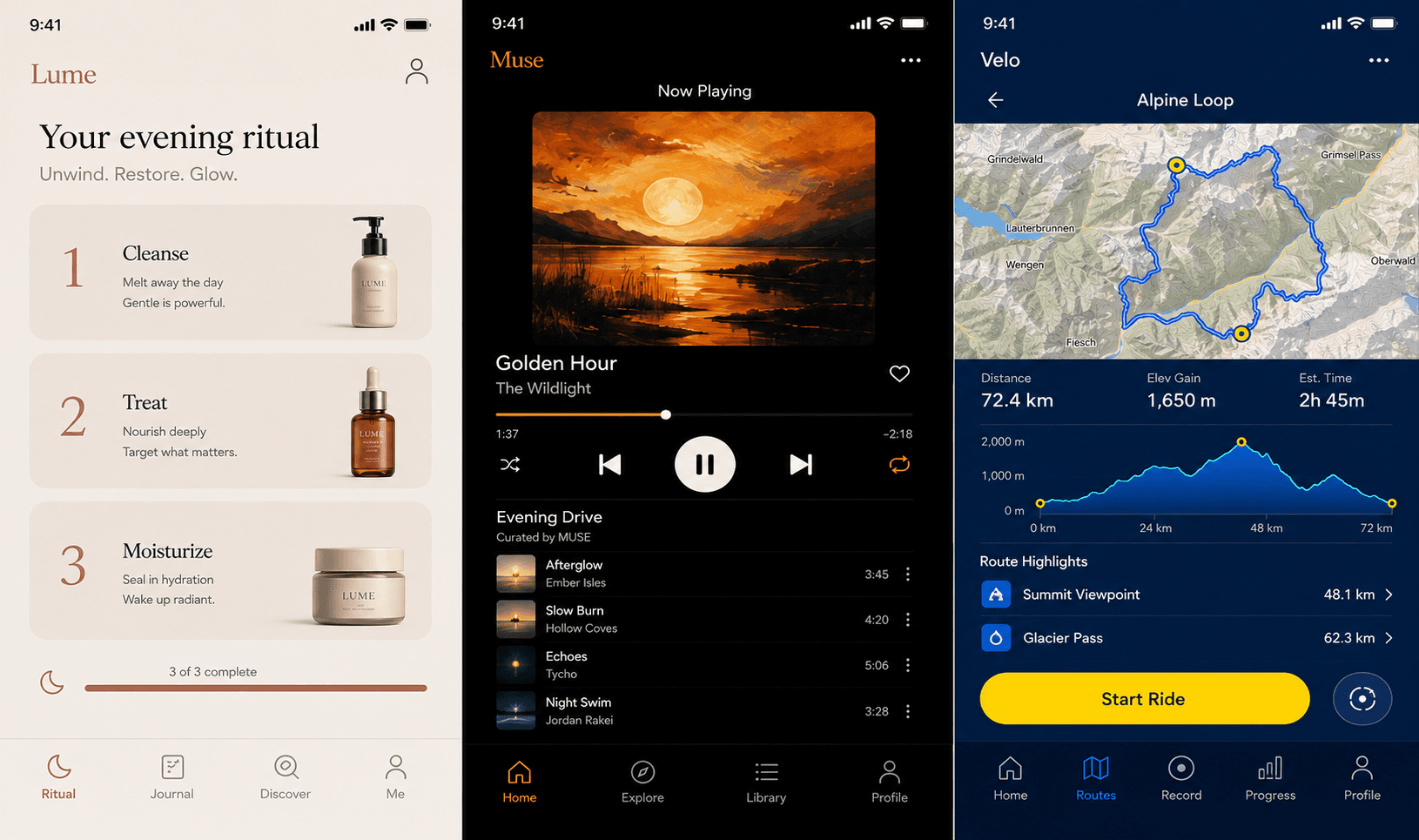
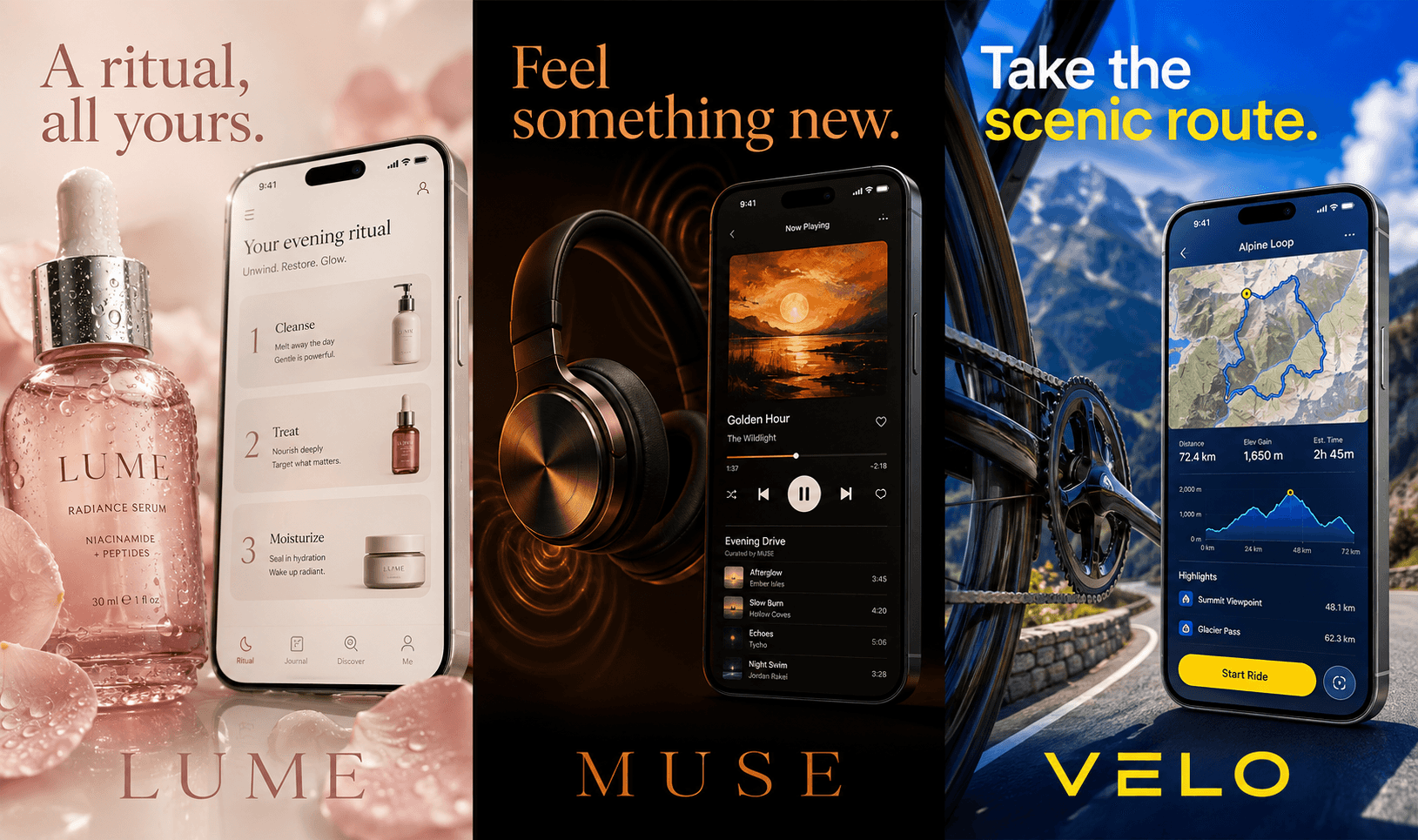
App Store screenshots that drive installs

Turn a short app brief into a store-ready screenshot set for the App Store and Google Play — AI copy, real device frames, and exports in every size and language.

Flowy

A minimalist focus timer that helps remote workers stay in deep work. Session history, streaks, and gentle nudges.

5Generate
Moonlit sleep app App Store screenshot example
PantryPilot cooking app App Store screenshot example
TrailWise hiking app App Store screenshot example
MuseDeck creative app App Store screenshot example
PulseForge fitness app App Store screenshot example

From a one-sentence brief to a launch set.

Three steps. No design tools. No back and forth.

  1. Brief

    Describe your app

    Name your app and write a short brief. That becomes the creative direction.

  2. Plan

    The model plans the set

    Each screen gets a unique headline, role, and visual direction. No copy-paste.

  3. Ship

    Export and ship

    Renders at 1290 by 2796 px. Download the set or regenerate a single screen.

AI planning

From brief to a coherent set.

Storescreens reads your app description and plans a narrative. Promise on screen one. Proof on two. A daily-use moment on three. Each screen has a job, not just a layout.

Moonlit sleep app App Store screenshot example
PantryPilot cooking app App Store screenshot example
TrailWise hiking app App Store screenshot example

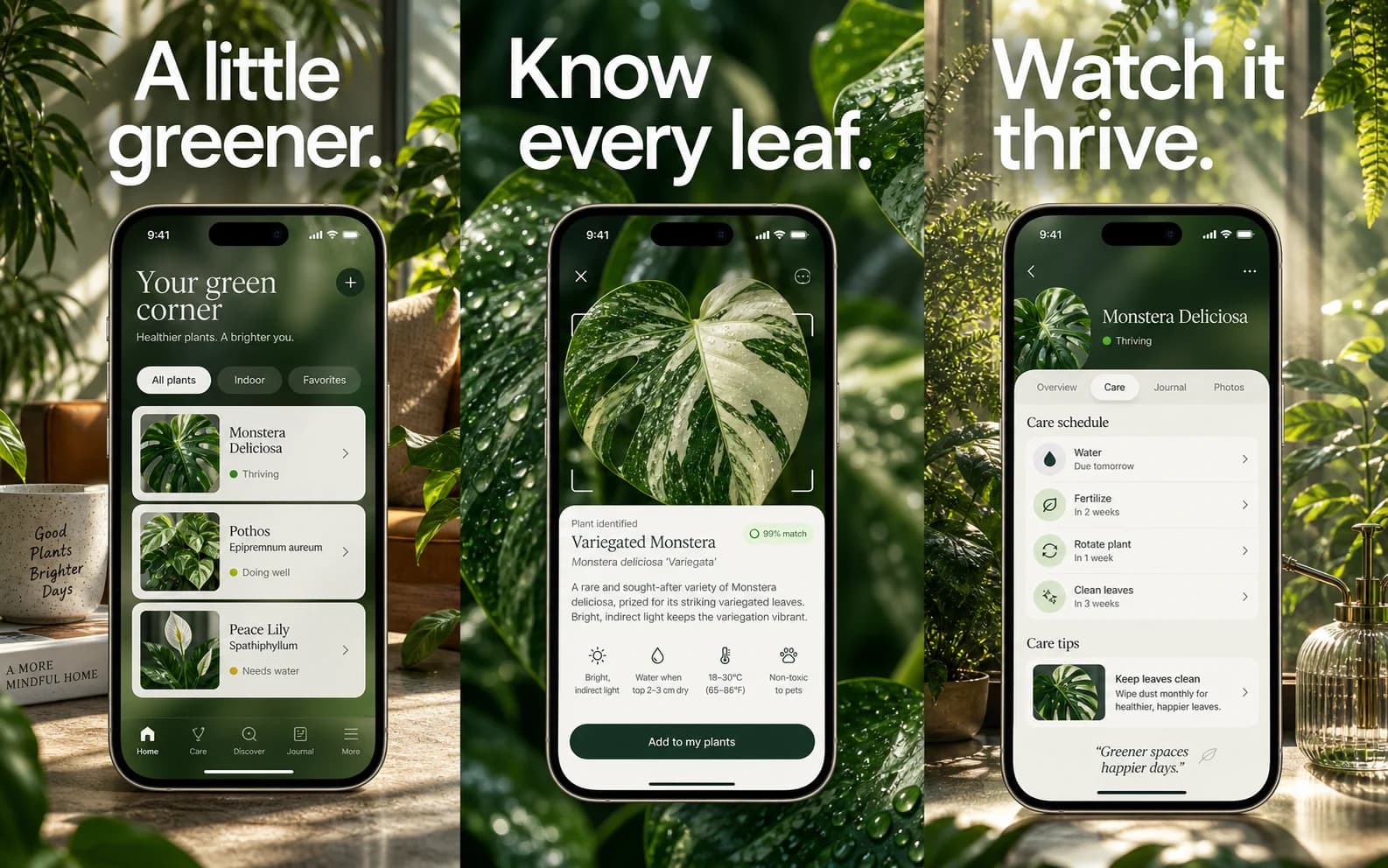
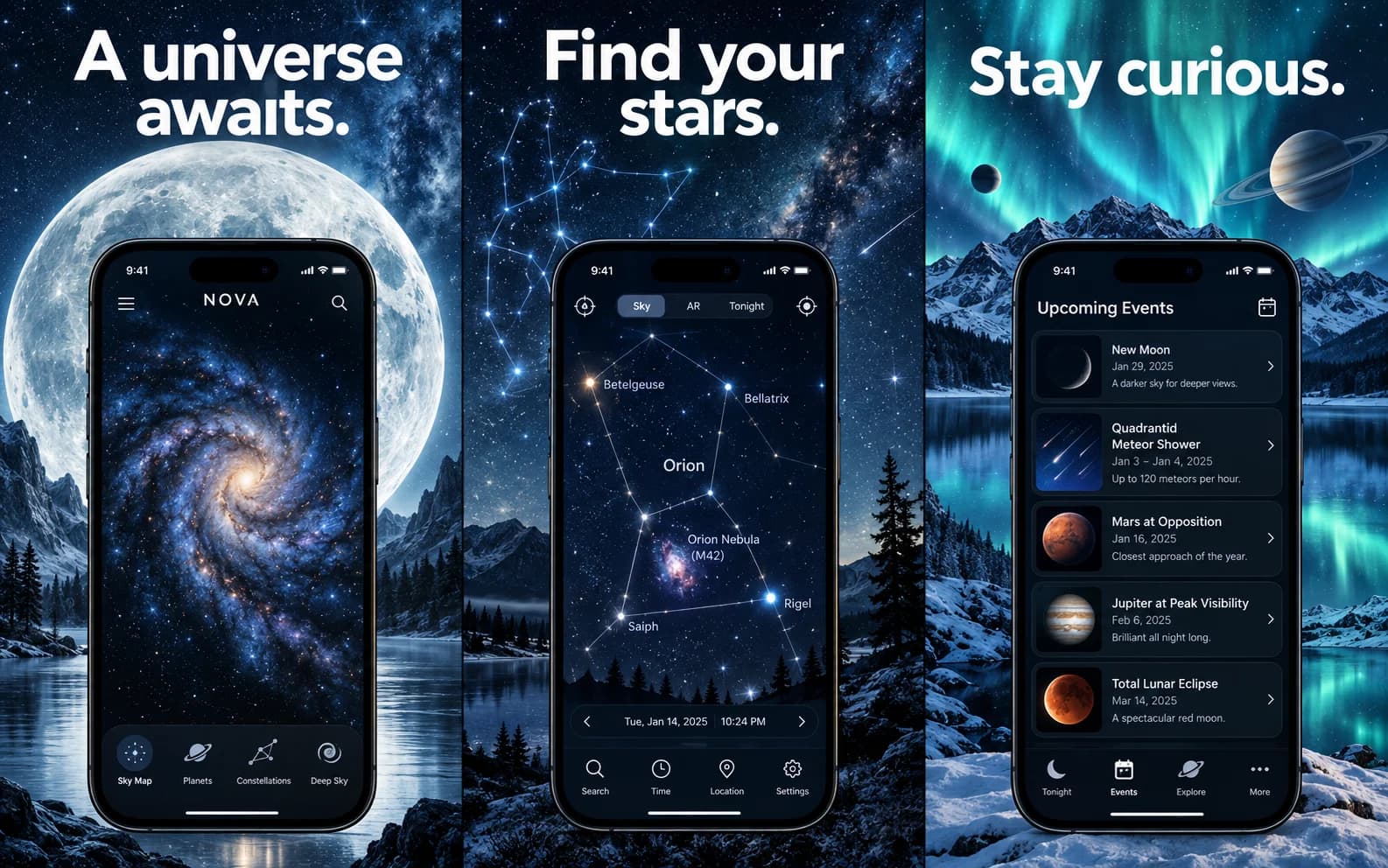
Phones that look right next to App Store assets.

iPhone 15 Pro, iPhone 14, and iPhone SE with the correct bezels, scale, and shadow. Switch frames without redoing the set.

MuseDeck creative app App Store screenshot example
PulseForge fitness app App Store screenshot example
Moonlit sleep app App Store screenshot example

Upload one screenshot. Guide one screen.

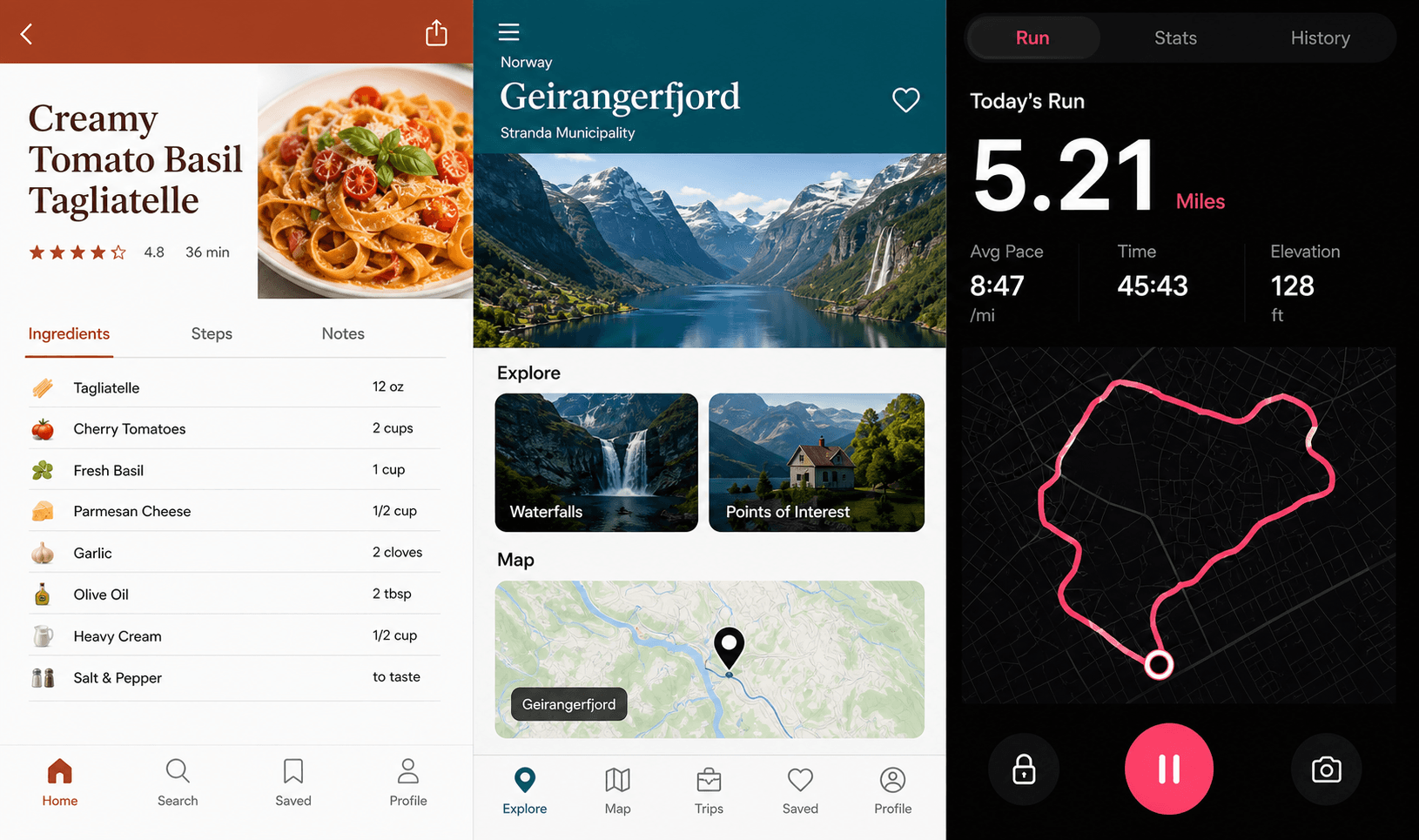
Drop in a screenshot from your own app to anchor the visual direction of a single panel. The rest of the set stays consistent.

Moonlit sleep app App Store screenshot example
PantryPilot cooking app App Store screenshot example
TrailWise hiking app App Store screenshot example
MuseDeck creative app App Store screenshot example
PulseForge fitness app App Store screenshot example

Loved by makers shipping real apps.

Listing ready in 20 minutes. The copy it wrote was better than what I would have written.
S

Sara Lindqvist

Indie iOS developer

We run it for every client launch now. Per-screen references are the feature I keep recommending.
M

Marcus Tanaka

Mobile product designer

Screenshot sets that took a half-day now take fifteen minutes. The device frames look correct.
P

Priya Krishnan

Founder, SaaS startup

Pricing

Simple, honest pricing.

Start free, no credit card. Upgrade when you need volume.

Free

$0/ month

Perfect to try before you buy.

Start free
  • 10 free screens to start
  • Core device frames
  • AI copy generation
  • Store-ready export sizes
Popular

Pro

$29/ month

Everything you need to ship and grow.

Upgrade to Pro
  • 40 store screens every month
  • All device frames
  • Advanced AI copy with audience targeting
  • Per-screen reference uploads
  • Priority generation queue
  • Commercial license

Luxury

$60/ month

For studios shipping at volume.

Go Luxury
  • 100 store screens every month
  • Everything in Pro included
  • Best price per screen
  • Top up anytime for $20
  • Priority support

Common questions.

Still wondering? Reach out and we will get back the same day.

Do I need to be a designer to use Storescreens?

No. You write a short brief and the model handles layout, copy, and visual structure. If you can describe your product in a sentence, you can create a full set.

What makes these different from templates I fill in manually?

Storescreens does not slot text into a template. The model reads your brief and writes a unique narrative for your product. Each screen plays a different role in the conversion sequence.

Can I use my own screenshots as a starting point?

Yes. Upload a reference image for any single screen. The model uses it as a visual guide for that screen only.

What export sizes do I get?

Every screen renders at 1290 by 2796 px (iPhone 6.7 inch). Pro plans also get iPad, Android, social media, and web banner exports.

Can I regenerate a single screen?

Yes. Open any project, edit the headline or direction for one screen, and regenerate that screen without touching the rest.

Is there a free trial for Pro?

The Free plan gives you 10 starter screens with full access to core generation features. No credit card required. Upgrade when you need more volume.

Your next launch deserves great screenshots

Join indie developers and product teams using Storescreens to ship faster.

No credit card required. Cancel any time.