
Storescreens Resources
Better store screenshots start with a clear plan
Source-checked guidance for screenshot strategy, design, localization, export sizes, and store requirements.
Start with the workflow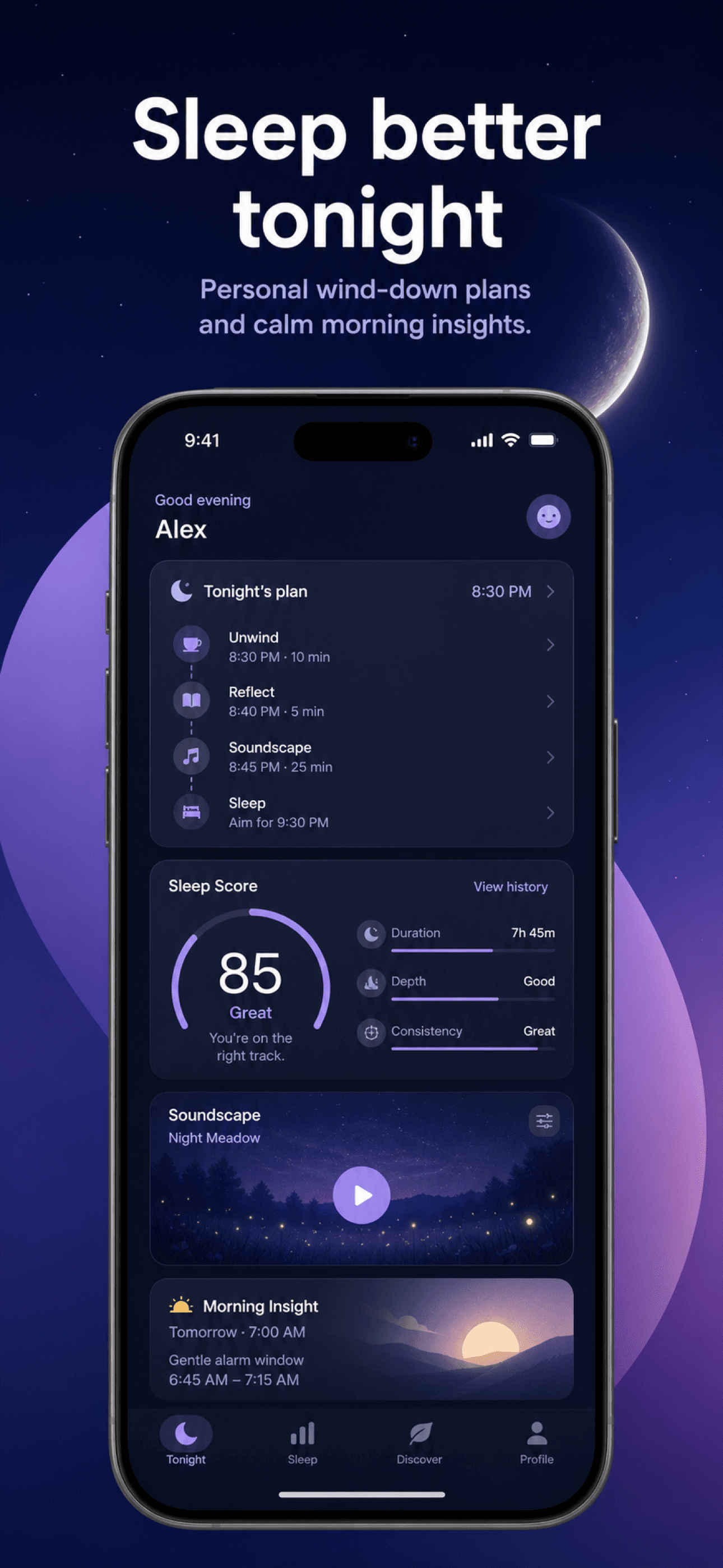
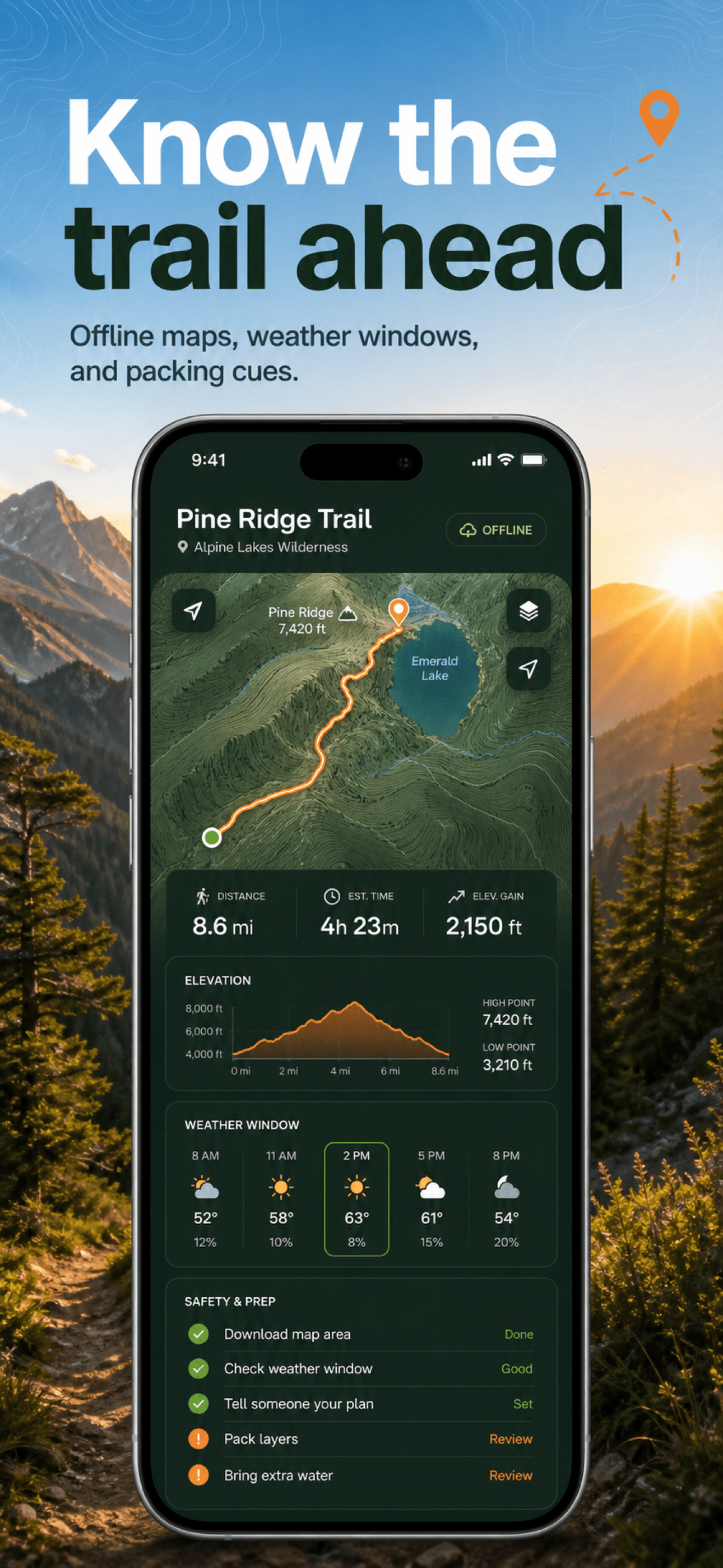
Start with the complete workflow
Plan the message before choosing a frame, color, or export size.
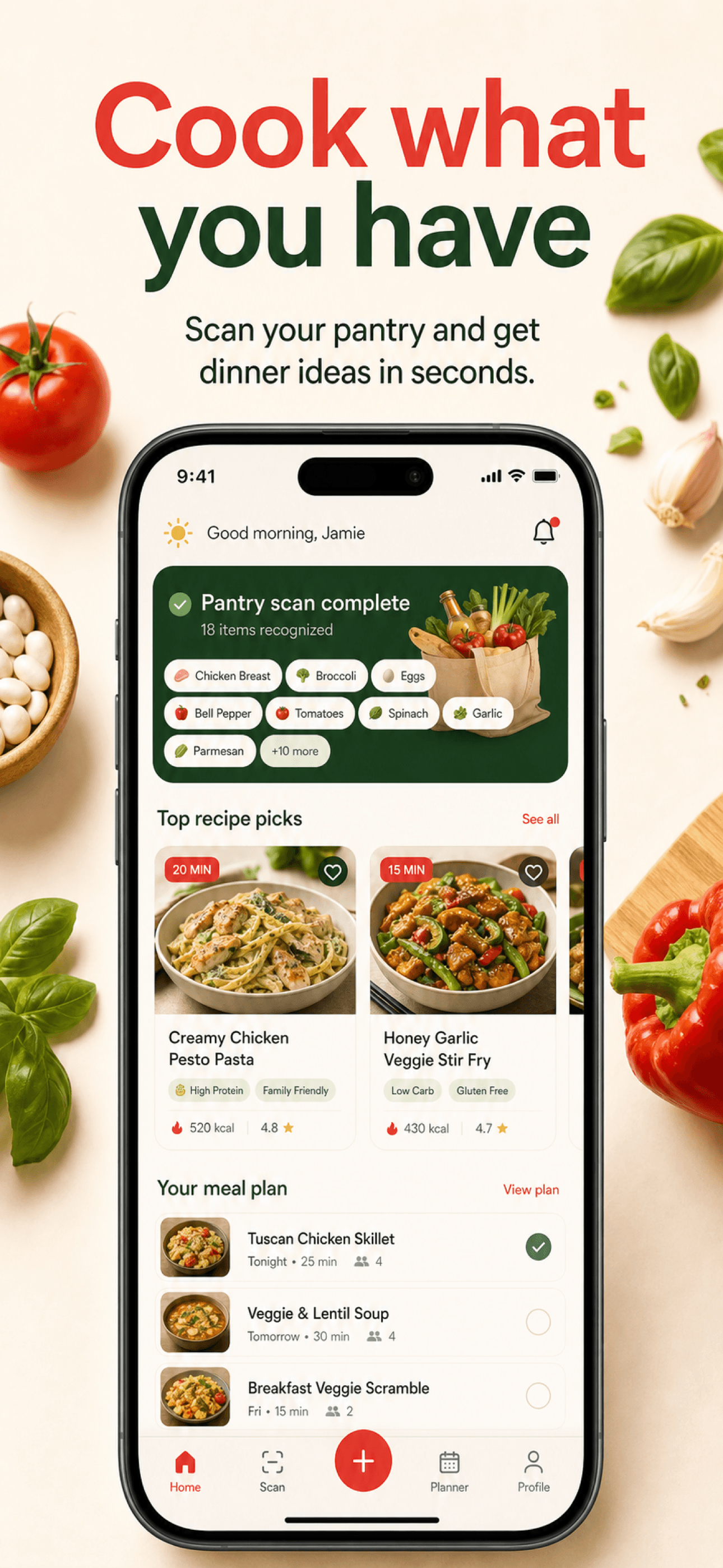
Build depth where it matters
Store requirements, checked at the source
Use the reference guides when you need exact dimensions, quantities, formats, and accepted fallbacks for screenshots and store icons.
Apple
App Store screenshot sizes
Current iPhone, iPad, Apple Watch, Mac, Apple TV, and Vision Pro dimensions.
Google Play
Google Play screenshot sizes
Phone, tablet, feature graphic, aspect ratio, and file format requirements.
Apple
App Store icon
The 1024 × 1024 icon, dark and tinted appearances, and the Apple Watch canvas.
Apple
App Store icon sizes
Which icon file each Apple surface uses, from the Home Screen to notifications.
Apple
iOS icon appearances
Default, dark, and tinted versions of the same App Store icon.
Apple
Apple Watch app icon
The 1088 × 1088 canvas Apple masks into a circle.
Google Play
Google Play icon
The 512 × 512 listing icon Play Console asks for.
Google Play
Google Play feature graphic
The 1024 × 500 banner required before a Play listing can publish.
Android
Android notification icon
The white silhouette Android shows in the status bar.
Android
Android adaptive icon
Foreground and background layers the launcher crops.
Turn the plan into a complete screenshot set
Start with a free trial, then export a consistent set for every supported device and language.
Every plan starts with a free trial. Your first set is minutes away.